How to get a transcript of a video
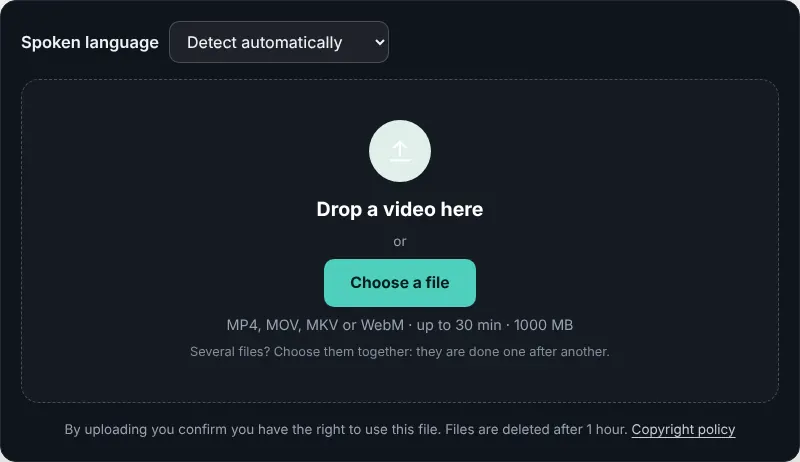
- Choose the video: MP4, MOV, MKV or WebM, up to 30 minutes and 1000 MB. Pick the spoken language or leave it on "Detect automatically".
- Wait while the AI listens. The sound is taken from your video and transcribed on our servers.
- Watch, correct and download. The video plays in the page with the transcript as live captions. Fix any line and download the transcript as TXT or Word, or as SRT and VTT subtitles.
Video transcripts for creators, students and teams
- YouTube and social video: a transcript in the description helps search engines understand your video, and an SRT file gives viewers accurate captions instead of automatic ones.
- Online classes and webinars: study from the text, search for a topic and copy the parts you need into notes.
- Recorded meetings and screen recordings: send the text to people who were not there, or paste it into an AI assistant to get a summary.
- Repurposing: turn a video into a blog post, a newsletter or quotes for social media.
Only the sound is used
The transcript is made from the audio track. Text that appears in the picture, such as slides or on-screen titles, is not read. Your video file itself plays from your own device in the editor, so watching and checking does not upload it again.
Check and correct the transcript in the page
Your transcript opens as a list of short lines, each with its time. Play your file in the page and the line being spoken lights up. Click a time to jump to that moment, and click any line to fix a word, a name or a spelling. Every download is made from the text as it is after your corrections, so you never have to fix the same mistake twice in two different files.
- TXT for notes, articles, emails and AI summaries.
- Word (DOCX) for documents you will edit further or share.
- SRT and VTT subtitle files for YouTube, Vimeo, Premiere Pro, DaVinci Resolve, CapCut, VLC and most other players and editors.
- Copy all to paste the whole text anywhere.
Turn on "Timestamps in text" to add a [minutes:seconds] mark at the start of every paragraph, which makes it easy to find a quote again in the recording.
How the AI speech to text works
The transcript is made by Whisper, an open speech recognition model released by OpenAI under the MIT licence, running on our own servers. Whisper was trained on hundreds of thousands of hours of speech in many languages, so it copes with accents, background noise and fast speakers far better than the speech recognition built into phones and office software a few years ago. It also adds punctuation and capital letters, so the text reads like writing rather than a stream of words.
Before the model listens, a voice detector skips long silences and music-only parts, which keeps the timing accurate and stops the AI from inventing words where nobody speaks. The model also records the time of every word, and we use those times to cut the text into lines that are short enough for subtitles: at most two lines of 42 characters and about seven seconds on screen.
Frequently asked questions
Can I get the transcript of a YouTube video?
Upload a video file that you have saved legally and have the right to use. We do not download from YouTube or other sites. For your own YouTube videos, download the file from YouTube Studio.
What is the maximum video length?
30 minutes and 1000 MB per file, and 10 files a day. For a longer video, extract the sound with MP4 to MP3 and use audio to text, which allows longer recordings.
Which languages does it understand?
About 100, including English, Spanish, Portuguese, German, French, Italian, Greek, Arabic, Hindi, Chinese, Japanese, Russian and Turkish. Accuracy is highest for widely spoken languages and lower for languages with little training data. Leave "Detect automatically" on, or pick the language yourself.
Does it label who is speaking?
Not yet. The transcript is split into lines and paragraphs at pauses, but it does not name the speakers. In an interview you can add the names yourself while you check the text.
Is it really free?
Yes. There is no account, no watermark and no paid tier. The site is paid for by the adverts you see on the page. To keep it fair for everyone there is a daily limit of 10 files per visitor.
What happens to my recording?
It is transcribed on our own servers and deleted automatically, together with the transcript files, 1 hour after you upload it. Nobody listens to it, we do not share it, and we never use it to train AI models. Playback in the editor uses the copy on your own device.
Can I transcribe other people?
Only upload recordings you are allowed to use, for example your own meetings, interviews where the other person agreed to be recorded, or lectures you may record. The rules on recording conversations differ between countries.