How to remove a password from a PDF
- Drop the PDF on the page.
- If it asks for a password to open, type it. This is the password you were given, for example by your bank, employer or accountant.
- Press Unlock PDF and download the copy without the password.
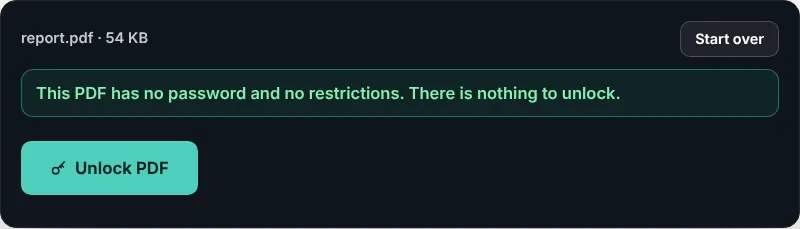
PDFs that open freely but block printing, copying or editing are unlocked without any password.
What this tool does not do
It does not guess or crack passwords. If you do not know the password of a PDF that needs one to open, ask the person who sent it.
Keep the unlocked copy safe
Bank statements, payslips and tax documents are protected for a reason. Store the unlocked copy somewhere private, and add a new password with Protect PDF before you send it on.
Where your file goes
Your file is processed by your own browser, on your own device. It is never uploaded, so there is no file limit, no daily limit and no watermark of ours, and private documents stay private. Your password is used only inside your browser.
Compared with iLovePDF
| What you get | PC Multiverse | iLovePDF |
|---|---|---|
| Price | Free | Free Basic plan, then Premium at $9 a month (or $60 a year) |
| Free limits | No daily limit, no file count limit | “Limited document processing” on the free plan |
| File size | Limited only by your device's memory | For example 100 MB per Merge task, 200 MB for Compress, 25 MB for PDF to JPG |
Because everything runs in your browser, very large PDFs depend on how much memory your device has.
iLovePDF details are from its public pricing page, read on 21 November 2026, and may have changed since. iLovePDF is a trademark of its owner; we are not affiliated with it.
Frequently asked questions
Is Unlock PDF free?
Yes, with no limit and no account.
Can it open a PDF without the password?
No. You need the password to open the file. Print, copy and edit restrictions are removed without one.
Are my PDF and password uploaded?
No. Both stay in your browser. The tool uses qpdf, a well-known open-source PDF program, running on your device.
Will the PDF change?
No. Pages, text, pictures and links stay exactly the same; only the protection is removed.