How to translate a video to English
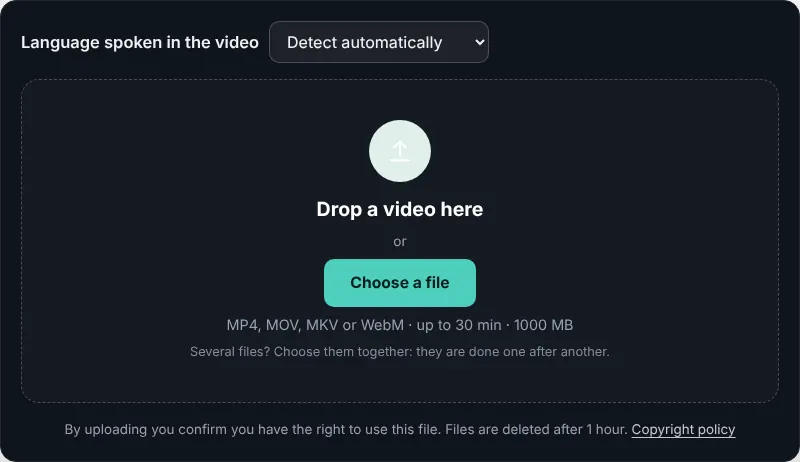
- Upload the video (MP4, MOV, MKV or WebM, up to 30 minutes and 1000 MB) and choose the language spoken in it, or leave "Detect automatically" on.
- The AI listens to the original speech and writes English captions, timed to the speech, on our servers.
- Watch the video with the English captions in the page, correct any line, and download English subtitles (SRT or VTT) or the English text.
Subtitles, not dubbing
This tool translates what is said into English text and subtitles. It does not replace the voices with an English voice. Subtitles keep the original speakers, their tone and their emotion, they are far more accurate than automatic dubbing, and they are what most viewers prefer for interviews, documentaries, lectures and family videos.
How it works
Whisper, the open speech model we run, can listen to about 100 languages and write the meaning directly in English. Because it translates from the sound rather than from a written transcript, the English lines keep the timing of the original speech, so they line up as subtitles without any manual syncing.
Good to know
- English only. The model translates into English. For subtitles in the original language, use the subtitle generator.
- Meaning first. Captions follow what was meant rather than translating word by word, which reads naturally on screen. Check names and technical terms in the editor.
- Use the SRT file with YouTube, Vimeo or your video editor, or play it next to the video in VLC.
Frequently asked questions
Can I translate a video into Spanish or another language?
Not here. The AI model translates speech only into English.
Can I get the captions burned into the video?
Yes. Use add subtitles to video and tick "Translate the captions into English": you can check the English captions and then burn them into the picture.
Which languages does it understand?
About 100, including English, Spanish, Portuguese, German, French, Italian, Greek, Arabic, Hindi, Chinese, Japanese, Russian and Turkish. Accuracy is highest for widely spoken languages and lower for languages with little training data. Leave "Detect automatically" on, or pick the language yourself.
Is it really free?
Yes. There is no account, no watermark and no paid tier. The site is paid for by the adverts you see on the page. To keep it fair for everyone there is a daily limit of 10 files per visitor.
What happens to my recording?
It is transcribed on our own servers and deleted automatically, together with the transcript files, 1 hour after you upload it. Nobody listens to it, we do not share it, and we never use it to train AI models. Playback in the editor uses the copy on your own device.
Can I transcribe other people?
Only upload recordings you are allowed to use, for example your own meetings, interviews where the other person agreed to be recorded, or lectures you may record. The rules on recording conversations differ between countries.