How to translate audio to English
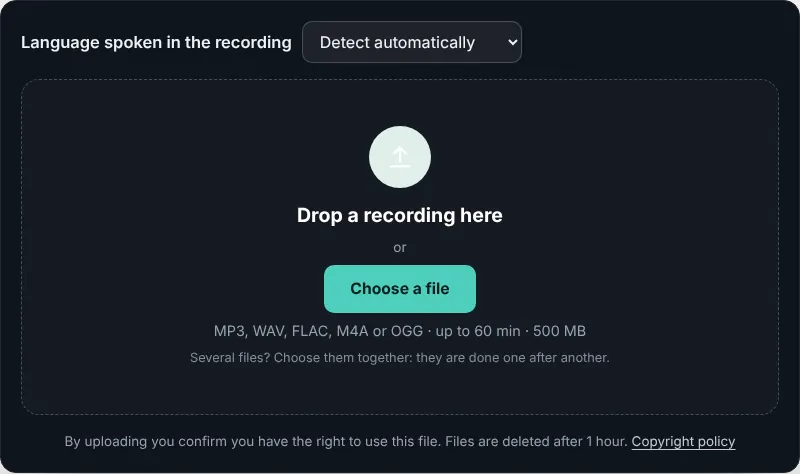
- Upload the recording (MP3, WAV, FLAC, M4A, AAC, OGG and OPUS, up to 60 minutes). Pick the language it is spoken in, or leave "Detect automatically" on.
- The AI listens to the original language and writes it down directly in English, on our servers.
- Read the English text next to the player, correct it if needed, and download it as text or as English subtitles.
How speech translation works
Most translation tools need two steps: first a transcript in the original language, then a text translator. Whisper, the open model we use, was trained to do both at once: it listens to speech in about 100 languages and can write the meaning directly in English. That avoids errors adding up between two systems, and the English lines keep the timing of the original speech, which is what you need for subtitles.
What to expect
- The meaning, not word-for-word. The result is natural English that follows what was said, which is right for understanding and subtitles. For a legal or certified translation, use a professional translator.
- Only into English. The model translates from any of its languages into English, not between other languages. If you need the text in the original language, use audio to text.
- Clear speech translates best. Noise, music and people talking at the same time reduce accuracy, as they would for a human listener.
Common uses
- Understanding a voice message from a friend, customer or supplier who speaks another language.
- Following a lecture, interview or podcast in a language you are learning.
- Making English subtitles for a recording to share with a wider audience. For a video file, use translate video to English.
Frequently asked questions
Can it translate into other languages than English?
No. The AI model we use translates speech only into English. It can write down speech in about 100 languages in the same language, with audio to text.
How good is the translation?
Good enough to understand the content and to use as subtitles, and best for widely spoken languages. Names and specialist terms can come out wrong, so check them in the editor.
Which languages does it understand?
About 100, including English, Spanish, Portuguese, German, French, Italian, Greek, Arabic, Hindi, Chinese, Japanese, Russian and Turkish. Accuracy is highest for widely spoken languages and lower for languages with little training data. Leave "Detect automatically" on, or pick the language yourself.
Is it really free?
Yes. There is no account, no watermark and no paid tier. The site is paid for by the adverts you see on the page. To keep it fair for everyone there is a daily limit of 10 files per visitor.
What happens to my recording?
It is transcribed on our own servers and deleted automatically, together with the transcript files, 1 hour after you upload it. Nobody listens to it, we do not share it, and we never use it to train AI models. Playback in the editor uses the copy on your own device.
Can I transcribe other people?
Only upload recordings you are allowed to use, for example your own meetings, interviews where the other person agreed to be recorded, or lectures you may record. The rules on recording conversations differ between countries.