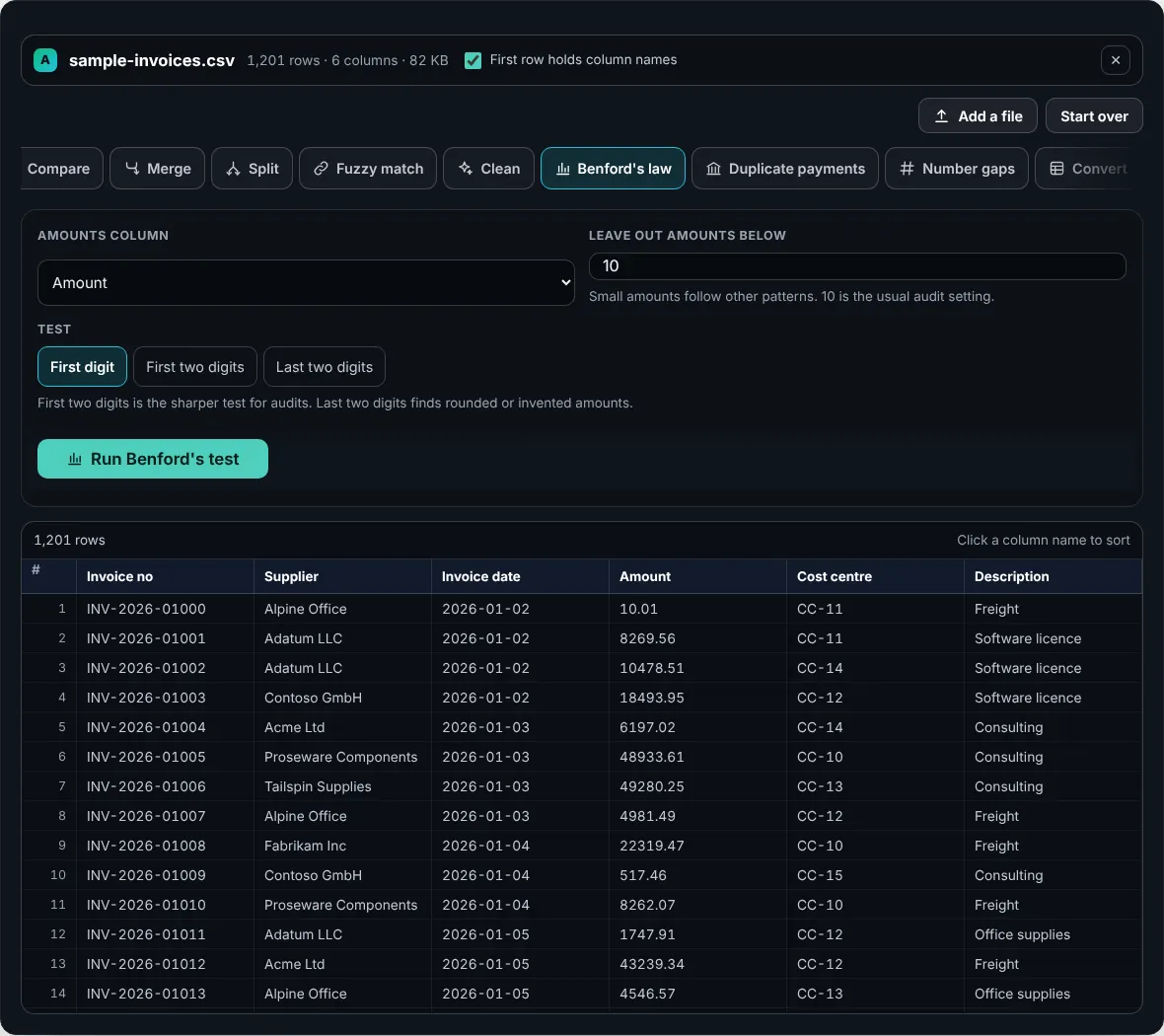
How to run a Benford's law test
- Drop the file with your amounts, for example a payments list, a general ledger export or expense claims.
- Choose the amounts column and keep Leave out amounts below at 10, the usual audit setting.
- Choose the test: First digit, First two digits or Last two digits, and press Run Benford's test.
- Read the verdict, the chart and the statistics, then open Flagged rows to see the transactions behind the digits that stand out.
What Benford's law says
In many real sets of numbers, small leading digits are far more common than large ones: about 30.1% of amounts start with 1, 17.6% with 2 and only 4.6% with 9. The share for each first digit d is log10(1 + 1/d). Invoices, payments, expense claims, populations and stock prices follow it closely, because they grow by percentages and span several orders of magnitude.
Made-up numbers usually do not. People inventing amounts spread first digits too evenly, prefer certain numbers, or keep just below an approval limit, for example many claims of 4,800 to 4,999 when 5,000 needs a manager's signature. Those habits show up as spikes in the first-two-digits test.
Reading the result
- Mean absolute deviation (MAD) is the main conformity measure, with the limits published by Mark Nigrini: for the first digit, up to 0.006 is close conformity, up to 0.012 acceptable, up to 0.015 marginally acceptable, and above that nonconformity. For the first two digits the limits are 0.0012, 0.0018 and 0.0022.
- Z-statistics test each digit on its own. A digit with a z above 1.96 that appears more often than expected is marked red in the chart: start your review there.
- Chi-square is shown for completeness. With very large files it flags tiny differences, which is why MAD is preferred.
- Most frequent amounts lists the exact amounts that repeat most, which often explains a spike: a monthly fee, a standard rate, or a duplicate.
When not to use it
Benford's law does not apply to assigned numbers (invoice numbers, phone numbers, postcodes), amounts with a built-in minimum or maximum, prices set by people (9.99), or small sets: with fewer than about 500 amounts the result is only a rough guide. A spike is a reason to look, not proof of fraud. For the next step, check the flagged rows for duplicate payments and gaps in invoice numbers.
Where your file goes
Your spreadsheet is opened by your own browser and processed on your own computer or phone. It is never uploaded: there is no server that could see your customers, suppliers, salaries or payments, nothing to delete afterwards, and you can even disconnect from the internet once the page has loaded. That makes it safe for client files, personal data under the GDPR and audit evidence, which you should never send to an online converter that uploads them.
Frequently asked questions
Is it free?
Yes. No account, no row limit, no watermark and no trial. The site is paid for by the adverts on the page.
Is my file uploaded?
No. The file is read and processed by your browser on your own device. Nothing is sent to any server, so it is safe for confidential data.
Which test should I use?
Start with the first two digits: it is the sharper test and finds amounts that cluster below approval limits. The first digit test is a quick overall check; the last two digits test finds rounded or invented amounts.
How many amounts do I need?
At least a few hundred; ideally a thousand or more. With small sets random variation looks like nonconformity.
Are negative amounts used?
Yes, as their absolute value. Credit notes and refunds can also be tested on their own by filtering the file first.
Does nonconformity prove fraud?
No. It tells you where to look. Many honest data sets do not follow Benford's law, and real frauds can conform. Treat it as a way to choose samples.