How to remove background noise from a video
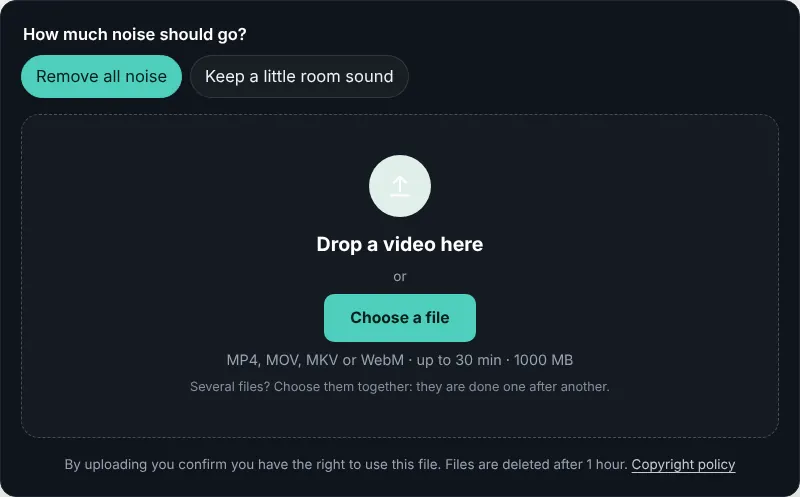
- Upload the video (MP4, MOV, MKV or WebM, up to 30 minutes and 1000 MB).
- The sound is extracted and cleaned by an AI noise suppression model on our servers, then put back into your video. The video stream is copied, not re-encoded.
- Download the video with clean sound. The clean audio and the removed noise are also there as WAV files.
Typical fixes
- Wind on a phone or action camera while filming outdoors.
- Traffic, crowds and events behind someone talking to the camera.
- Fans, air conditioning and hum in office, classroom and home recordings.
- Hiss from the built-in microphone of a camera or a cheap lavalier.
What happens to the picture
Nothing. Your video's picture stream is copied into the new file byte for byte, so there is no quality loss, no watermark and no change of resolution or frame rate. Only the audio track is replaced, saved as high-quality AAC.
Limits
- It cleans speech. Background music in the video is treated as noise and reduced. If you want to keep the music, this is not the right tool; to remove music and keep the voice, use the music remover for video.
- Very strong noise such as a storm directly on the microphone can leave the voice sounding thin. Choose "Keep a little room sound" for a more natural result.
- It cleans the sound, not the picture. Grainy or blurry footage stays as it is.
Compared with LALAL.AI
| What you get | PC Multiverse | LALAL.AI |
|---|---|---|
| Price | Free | Free Starter plan, then Lite from $7.50 a month (billed $90 a year) |
| Free allowance | 10 files a day, up to 30 minutes each | 10 minutes in total |
| Download your results for free | Yes, full length | No result downloads on the free plan |
| File size | Up to 1000 MB | Up to 200 MB |
The trade-off is the queue: our servers are shared by everyone, so at busy times you may wait a few minutes.
LALAL.AI details are from its public pricing page, read on 21 November 2026, and may have changed since. LALAL.AI is a trademark of its owner; we are not affiliated with it.
Frequently asked questions
Does it reduce the video quality?
No. The picture is copied without re-encoding. Only the sound is replaced with the cleaned version.
Does it remove wind noise?
Yes, in most cases. Wind is one of the noises the model was trained on. Very strong gusts that overload the microphone cannot be fully repaired.
Which video formats work?
MP4, MOV, MKV and WebM, up to 30 minutes and 1000 MB. The result is MP4 when your video uses H.264 or HEVC, otherwise it keeps your original container.
Is it really free?
Yes. There is no account, no watermark and no paid tier. The site is paid for by the adverts you see on the page. To keep it fair for everyone there is a daily limit of 10 files per visitor.
What happens to my file?
It is processed on our own servers and deleted automatically, together with the results, 1 hour after you upload it. We do not keep copies, do not share files with anyone, and never use them to train AI models.
Can I use songs I don't own?
Only upload audio you have the right to use: your own recordings, music you have a licence for, or material you use for private practice where the law allows it. Separating a song does not change who owns it. See our copyright page if you are a rights holder.