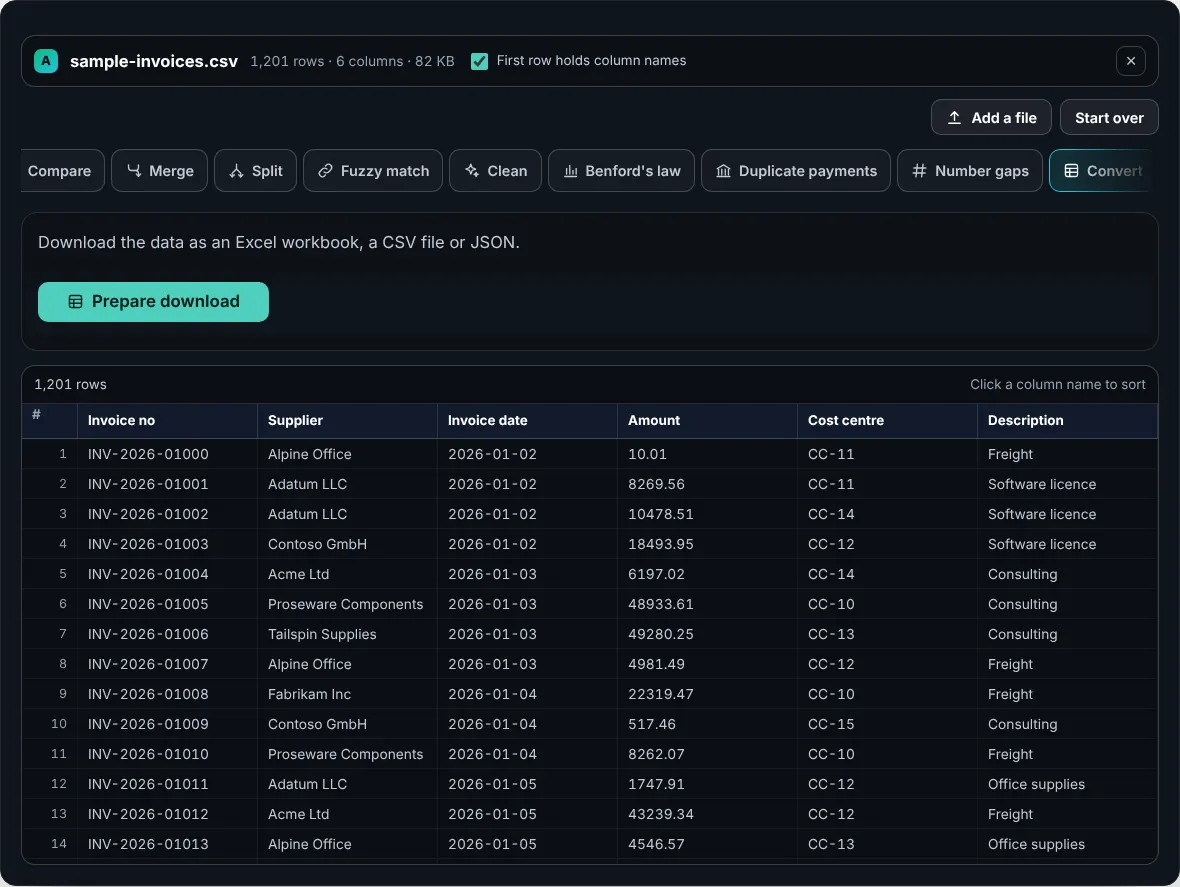
How to convert XML to Excel
- Drop your .xml file on the page.
- The converter finds the element that repeats, such as each
<invoice>,<product>or<record>, and makes one row per element. - Check the table, then download Excel, CSV or JSON.
How the XML is laid out
- Child elements become columns, with dotted names for deeper levels:
<customer><name>becomes customer.name. - Attributes become columns whose names start with @, such as @id or @currency.
- Repeated child elements, such as the lines of an invoice, get their own sheet, one row per item, linked to their record by row number.
- Namespaces are dropped from the column names, so cbc:InvoiceID reads InvoiceID.
Typical XML files
Product feeds for shops and price comparison sites, bank and payment files, e-invoices, exports from ERP and accounting software, sitemaps, and data from public authorities often come as XML. Excel's own XML import needs the Developer tab and an XML map, and fails on many real files; this converter works on any well-formed XML without setup.
Large files
The file is read in a background thread on your device. Files of tens of megabytes are fine; for very large XML files, close other tabs to give the browser more memory. When the result is bigger than one Excel sheet, the Excel download continues on extra sheets.
Where your file goes
Your spreadsheet is opened by your own browser and processed on your own computer or phone. It is never uploaded: there is no server that could see your customers, suppliers, salaries or payments, nothing to delete afterwards, and you can even disconnect from the internet once the page has loaded. That makes it safe for client files, personal data under the GDPR and audit evidence, which you should never send to an online converter that uploads them.
Frequently asked questions
Is it free?
Yes. No account, no row limit, no watermark and no trial. The site is paid for by the adverts on the page.
Is my file uploaded?
No. The file is read and processed by your browser on your own device. Nothing is sent to any server, so it is safe for confidential data.
Which element becomes a row?
The largest list of repeating elements in the file. For most exports that is the record you expect, such as each product or each invoice.
Can it open e-invoices such as UBL or XRechnung?
Yes, as long as the file is well-formed XML. Each invoice line becomes a row in its own sheet.
What if my XML is not valid?
Badly broken files cannot be read. Check that the file is complete and was not cut off during download.