How to extract an acapella
- Upload the song (MP3, WAV, FLAC, M4A, AAC, OGG and OPUS, up to 60 minutes and 500 MB).
- The AI model finds the voice in the mix and separates it from every instrument.
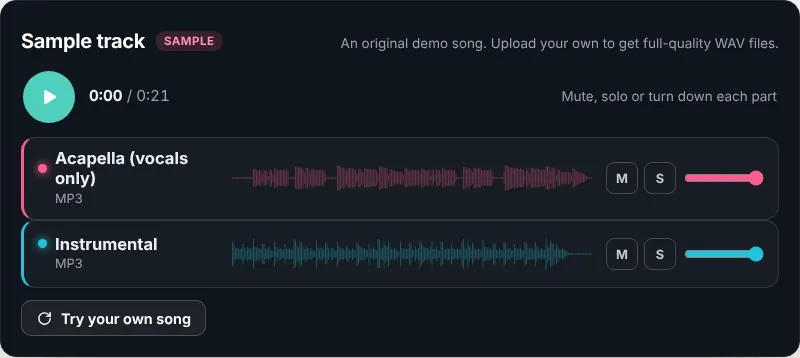
- Preview the acapella in the page and download it as a WAV file. The instrumental comes with it.
What you get in the acapella
The acapella contains everything the model hears as a human voice: the lead vocal, harmonies, backing vocals, ad-libs and the reverb and echo that were added to them. It keeps the original timing, so it lines up exactly with the song if you place both at the start of a project.
What it does not contain: instruments, drums, and sounds that only imitate a voice, such as a synth lead. Sung samples in electronic music are usually treated as vocals.
Making the acapella sound its best
- Trim the silence. The file is the full length of the song, with silence where nobody sings. Most editors can strip silence automatically.
- Use a gate for tiny leftovers. If you hear faint cymbals between phrases, a noise gate set just above that level removes them.
- Keep the reverb, or add your own. The original reverb stays on the voice. For a remix in a different style, a little of your own reverb glues it into the new track.
- Match tempo and key in your editor. Any DAW can time-stretch and pitch-shift an acapella to fit a new beat.
Who uses an acapella extractor
DJs and producers making remixes and mash-ups, singers studying how a vocal was phrased and harmonised, teachers preparing listening exercises, and anyone who wants to hear the words of a song clearly. Please only publish remixes when you have the rights to the original recording.
Compared with LALAL.AI
| What you get | PC Multiverse | LALAL.AI |
|---|---|---|
| Price | Free | Free Starter plan, then Lite from $7.50 a month (billed $90 a year) |
| Free allowance | 10 files a day, up to 60 minutes each | 10 minutes in total |
| Download your results for free | Yes, full length | No result downloads on the free plan |
| File size | Up to 500 MB | Up to 200 MB |
The trade-off is the queue: our servers are shared by everyone, so at busy times you may wait a few minutes.
LALAL.AI details are from its public pricing page, read on 21 November 2026, and may have changed since. LALAL.AI is a trademark of its owner; we are not affiliated with it.
Frequently asked questions
How clean is the acapella?
On most pop, rock and hip-hop songs it is clean enough to use in a remix. Very dense mixes, or songs where an instrument copies the vocal melody, can leave faint traces that a noise gate or EQ removes.
Does it keep backing vocals?
Yes. Lead and backing vocals stay together in the acapella. The current model does not split the lead singer from the harmonies.
Is it really free?
Yes. There is no account, no watermark and no paid tier. The site is paid for by the adverts you see on the page. To keep it fair for everyone there is a daily limit of 10 files per visitor.
What happens to my file?
It is processed on our own servers and deleted automatically, together with the results, 1 hour after you upload it. We do not keep copies, do not share files with anyone, and never use them to train AI models.
Can I use songs I don't own?
Only upload audio you have the right to use: your own recordings, music you have a licence for, or material you use for private practice where the law allows it. Separating a song does not change who owns it. See our copyright page if you are a rights holder.