Clear speech from an ordinary recording
Most voice recordings are not bad because of the voice. They are bad because of everything around it: a laptop fan, a street outside, an echoing kitchen, a cheap microphone's hiss, and a level that is too quiet next to everything else. The voice enhancer fixes those in one pass:
- AI speech enhancement keeps the voice and removes background noise, including noise that changes, such as traffic or chatter.
- Rumble below 70 Hz is filtered out, which also removes most handling and desk noise.
- The volume is levelled to -16 LUFS, a comfortable, consistent listening level.
How to enhance a voice recording
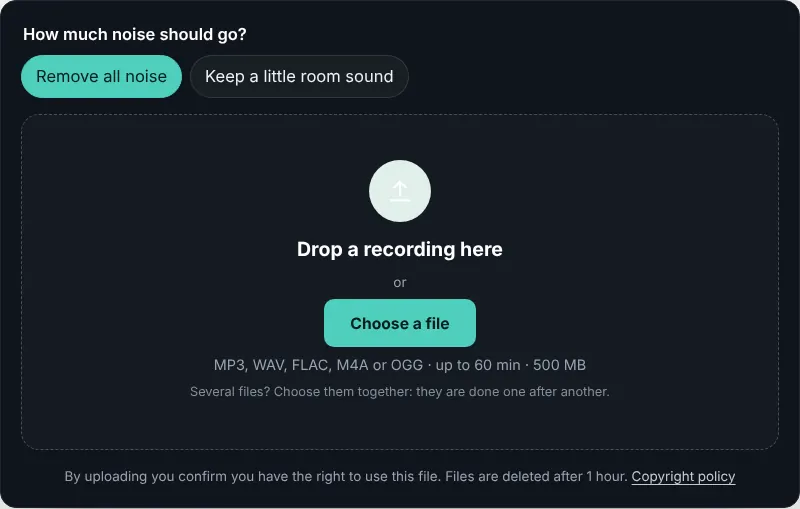
- Upload the recording (MP3, WAV, FLAC, M4A, AAC, OGG and OPUS, up to 60 minutes and 500 MB).
- Choose how strong the cleaning should be. "Keep a little room sound" sounds more natural on very noisy files.
- Listen to the enhanced voice. Unmute "Removed noise" to compare with the original, then download the WAV.
Good uses
- Voice messages and recorded calls that you need to keep, share or transcribe.
- Online course videos and tutorials recorded at a desk.
- Interviews in the field: a café, a car, an event hall.
- Auditions, voice-over demos and spoken-word recordings made at home.
- Accessibility: a cleaner voice is easier to follow for people with hearing loss, and for automatic captions.
How it works
The enhancer uses DeepFilterNet, an open-source neural network for speech enhancement. It splits the sound into narrow frequency bands many times per second and estimates how much of each band is speech. The noise is suppressed and fine detail is restored with a learned "deep filter", which keeps the voice natural instead of the metallic sound of older noise gates. The levelling step then uses the same loudness standard that broadcasters use.
Compared with LALAL.AI
| What you get | PC Multiverse | LALAL.AI |
|---|---|---|
| Price | Free | Free Starter plan, then Lite from $7.50 a month (billed $90 a year) |
| Free allowance | 10 files a day, up to 60 minutes each | 10 minutes in total |
| Download your results for free | Yes, full length | No result downloads on the free plan |
| File size | Up to 500 MB | Up to 200 MB |
The trade-off is the queue: our servers are shared by everyone, so at busy times you may wait a few minutes.
LALAL.AI details are from its public pricing page, read on 21 November 2026, and may have changed since. LALAL.AI is a trademark of its owner; we are not affiliated with it.
Frequently asked questions
Will it make my voice sound different?
On normal recordings it keeps your voice as it is and only removes what is around it. On very noisy files choose "Keep a little room sound" for the most natural result.
Can it remove echo?
It reduces some of the room sound, because that does not sound like the direct voice. A very echoey room cannot be made to sound like a studio.
Can I use it for singing?
It is trained on speech and treats instruments as noise. For a voice over music, use the vocal remover or the acapella extractor instead.
Is it really free?
Yes. There is no account, no watermark and no paid tier. The site is paid for by the adverts you see on the page. To keep it fair for everyone there is a daily limit of 10 files per visitor.
What happens to my file?
It is processed on our own servers and deleted automatically, together with the results, 1 hour after you upload it. We do not keep copies, do not share files with anyone, and never use them to train AI models.
Can I use songs I don't own?
Only upload audio you have the right to use: your own recordings, music you have a licence for, or material you use for private practice where the law allows it. Separating a song does not change who owns it. See our copyright page if you are a rights holder.