How to convert DXF to DWG
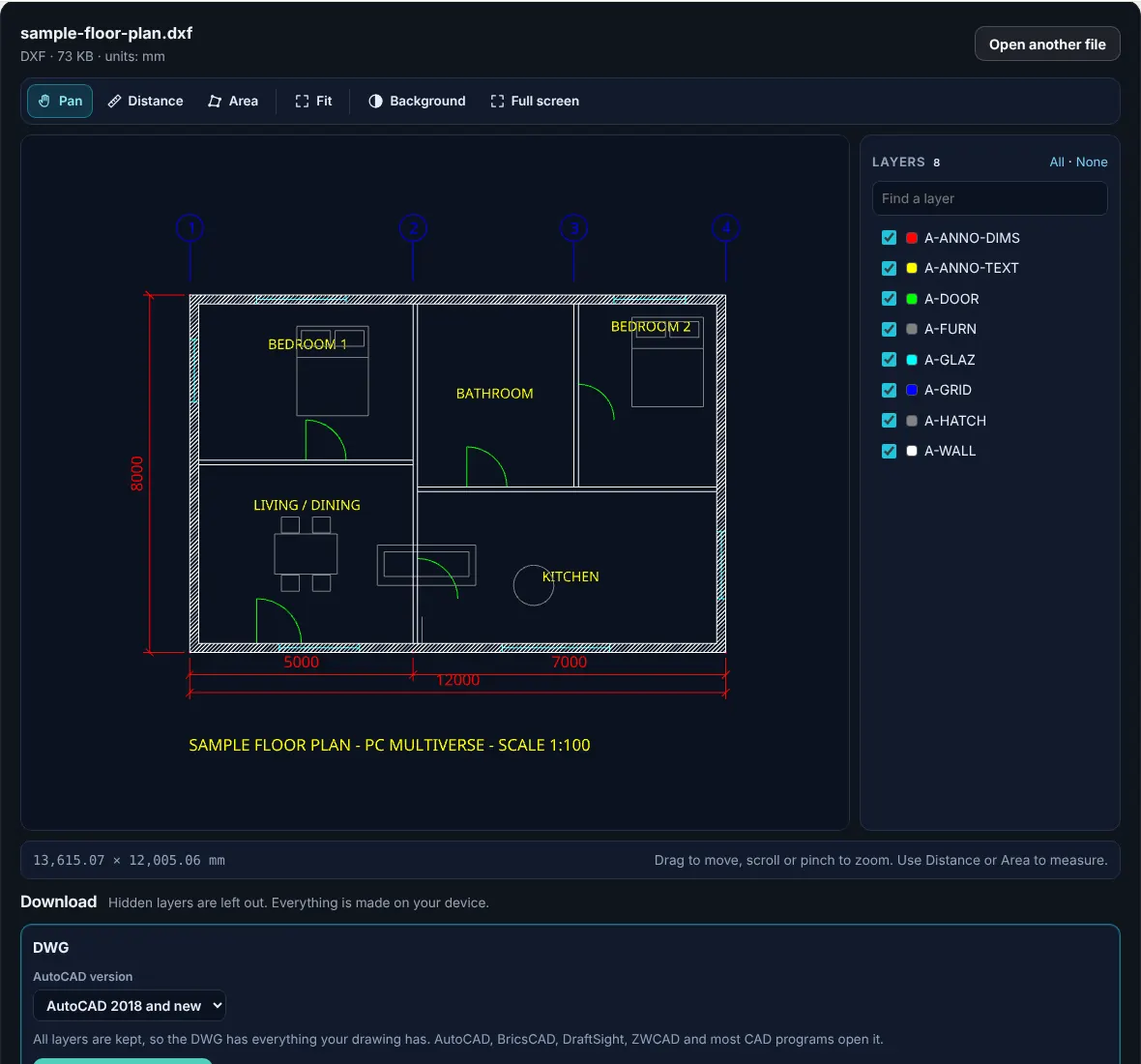
- Drop the DXF file on the page or choose it. The drawing opens in the viewer, so you can check it is the right one.
- Under Download, choose the AutoCAD version: 2018 (the newest DWG format, used by AutoCAD 2018 to 2026), 2013, 2010, 2004 or 2000.
- Press Download DWG. The DWG is made on your device in a second or two.
You can also drop a DWG here: it is saved again in the version you pick, which helps when someone with an older AutoCAD can't open a newer file.
Why convert DXF to DWG
DXF is the exchange format: laser cutters, CNC software, Inkscape, LibreCAD, SketchUp and many other programs write it. DWG is what AutoCAD and most CAD offices work with every day. A DWG is smaller, opens faster, and many clients and companies simply ask for "the DWG".
What is kept
- Layers with their names, colours and line types. All layers are written, including ones you hid in the viewer.
- Lines, polylines, arcs, circles, splines and hatches, at their exact coordinates.
- Blocks and their attributes, text and multiline text, and dimensions.
- Units from the DXF, so a drawing in millimetres stays in millimetres.
Simple DXF files from laser and CNC programs often lack the extra tables a DWG needs (text styles, dimension styles). The converter adds the standard ones, so AutoCAD opens the file without complaining.
Good to know
- Very old DXF files (AutoCAD R12 and before) are read too.
- Proxy objects from AutoCAD add-ons can be left out, as in most converters.
- Check the result in your CAD program before you send it on, especially the units.
Where your file goes
Your drawing is opened by your own browser, on your own device. It is never uploaded, so there is no file size limit apart from your computer's memory, no daily limit, no account and no watermark, and confidential plans stay confidential.
Frequently asked questions
Is the DXF to DWG converter free?
Yes, with no file limit, no account and no watermark.
Which AutoCAD versions can I save for?
AutoCAD 2018 (also opened by AutoCAD 2019 to 2026), 2013, 2010, 2004 and 2000. Pick the version of the oldest program that has to open the file.
Can I convert DWG to an older DWG version?
Yes. Drop the DWG here, choose the older AutoCAD version and download. It is a free DWG version converter.
Does AutoCAD LT open the DWG?
Yes, as long as you pick a version that is not newer than your AutoCAD LT.
Is my drawing uploaded?
No. The conversion runs in your browser and the file stays on your device.
Are my files uploaded?
No. The file is read by your own browser and never sent to our servers or anyone else. That is why there is no size limit and no daily limit.
Why does it take a moment the first time?
The first time, your browser downloads the viewer itself (a few MB). After that it is cached and opens quickly.